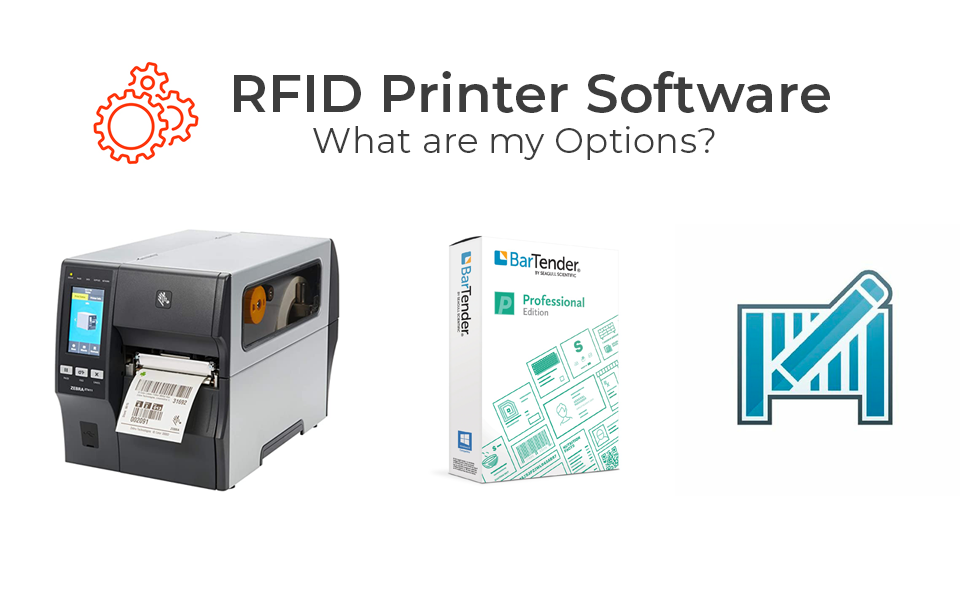
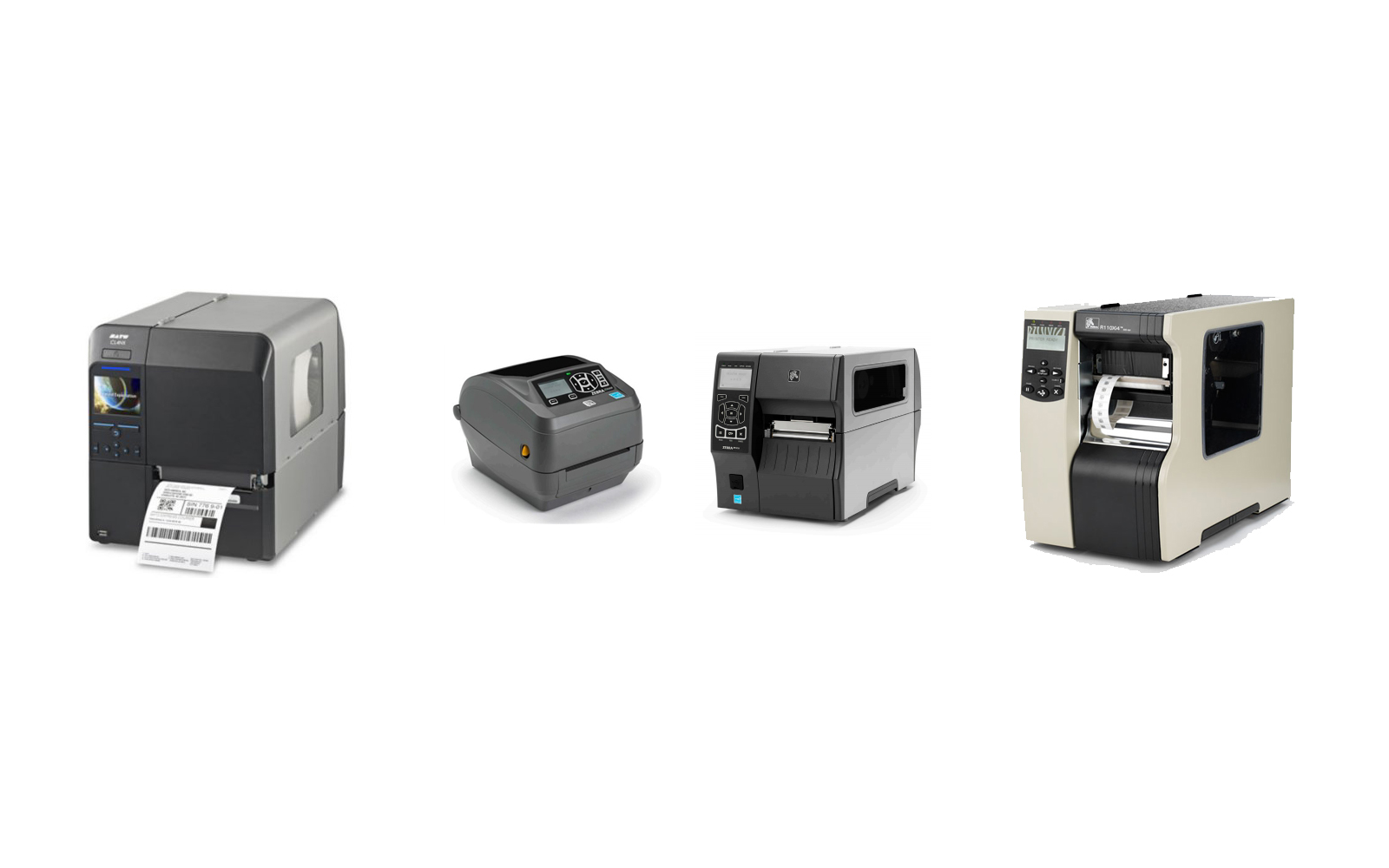
An Introduction to Setting Up an RFID Printer for Reliable Encoding and Printing
An RFID printer is more than a device that prints labels. It is a system designed to print, encode, and verify RFID tags in a single workflow. A proper RFID printer setup ensures that printed information is readable to people while the embedded chip is encoded accurately for tracking and data collection.
Many organizations assume installation ends once the printer powers on. In reality, RFID label printer configuration includes software setup, media loading, calibration, and validation. Each step plays a role in achieving consistent performance and reducing issues later in production.
Installing Software and Drivers
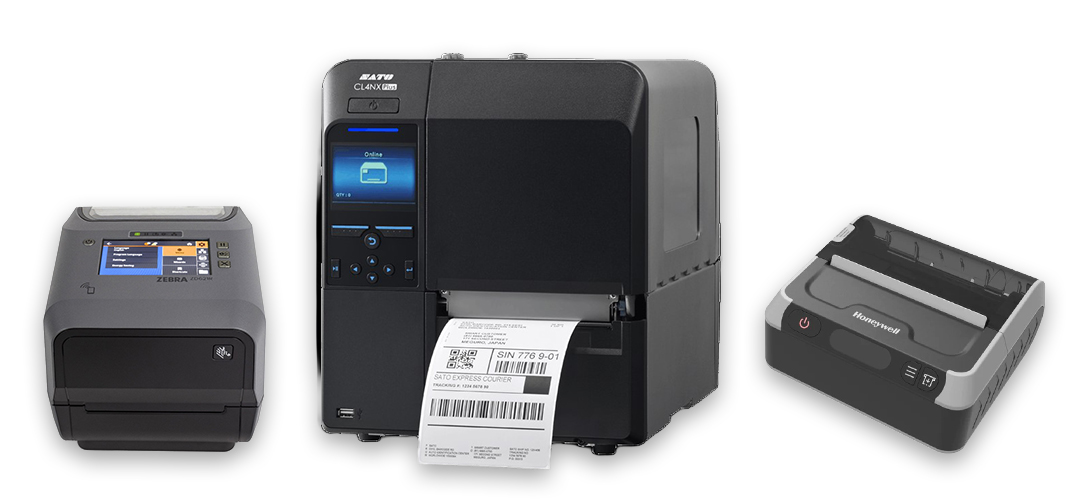
The first step in setting up an RFID printer is enabling communication between the printer and the host computer. This involves installing the RFID printer driver along with label design software.
During installation, the printer is typically connected via USB or network, and drivers are installed alongside the label design software. This process registers the device and allows the software to control formatting, printing, and RFID encoding.
Without proper software installation, the printer cannot translate label templates into encoded RFID data. Taking the time to establish clean communication early makes later steps like template creation, serialization, and testing much easier to manage.
Loading Media and Choosing the Right Supplies
After connectivity is established, attention shifts to materials. RFID label printing setup requires loading tags and ribbon correctly and selecting supplies that match the application.
Ribbon type must align with the label material to ensure durability and legibility. Using the wrong combination can lead to smearing, poor adhesion, or unreadable barcodes. The printer media sensor must also be positioned correctly so the printer consistently detects each label, especially when working with inlays that include transparent or reflective faces.
Matched supplies help maintain print quality, support consistent encoding performance, and reduce wasted labels during production runs.

Calibration Is Where Precision Happens
RFID and media calibration are essential to accurate output. Media calibration teaches the printer where each label begins and ends, ensuring print alignment does not drift across the roll.
Media calibration helps ensure:
- Proper label spacing and alignment
- Consistent print positioning across the roll
- Reduced material waste due to misprints
Once media calibration is complete, RFID calibration follows. This step adjusts the printer’s RF performance to match the specific inlay being used.
RFID calibration helps:
- Optimize read and write performance
- Match RF power to the specific tag construction
- Ensure reliable encoding across all labels
Every label construction behaves slightly differently, so recalibration is recommended whenever new media is introduced.
Designing a Label and Performing Test Prints
After calibration, the next step is to create a label template that matches the exact dimensions of the RFID label and to select the correct printer so that the layout and encoding settings align with the hardware.
Barcodes, text, graphics, and RFID details are then added to define both the visible information and the data written to the chip. In many workflows, unique values are pulled from an external database to support automated serialization.
Finally, adjust print speed and darkness settings and run a small batch of test labels to verify print quality and encoding accuracy before moving into full production. Testing at this stage helps catch formatting issues, encoding failures, or supply mismatches before they affect an entire roll.
Bringing It All Together
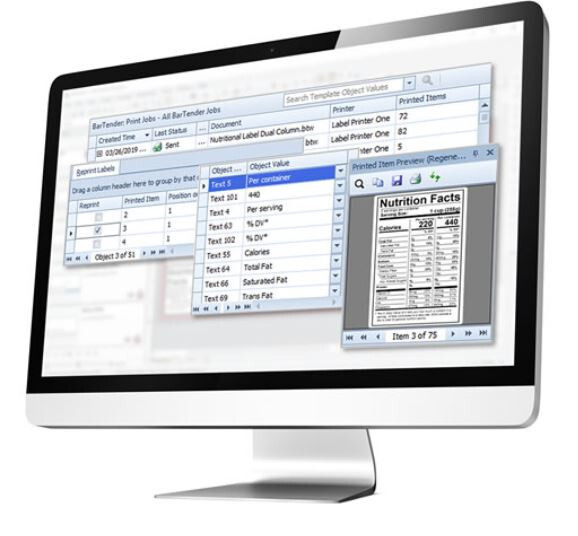
Industrial RFID printer configuration blends hardware setup, software integration, and RF optimization into a repeatable process. When each phase is handled carefully, the result is a reliable system that prints and encodes tags with accuracy and consistency.
Taking the time to install correctly, use matched materials, calibrate for each label type, and validate performance ensures your RFID printer operates as a dependable part of your identification and tracking strategy.
A Practical Note From the Field
Many teams discover that RFID setup requires more fine-tuning than expected, particularly when aligning printers, labels, ribbons, and software into a single workflow.
Common challenges include:
- Misaligned print positioning
- Inconsistent encoding performance
- Material compatibility issues
- Software configuration gaps
Atlas RFID supports these deployments with a full range of RFID printers, compatible supplies, and professional services that assist with configuration, calibration, and workflow validation. If you are preparing to implement or expand RFID printing, exploring available solutions or connecting with a specialist can help streamline the process and avoid common setbacks.
Our RFID specialists are ready to help you find the right printers and supplies to get your project started.
You May Also Like